Simple methods to convert your written material into digital text
With these three simple methods you can easily convert your manuscript into digital text. Let's learn th.ese three simple methods step by step.
 Eduvarta
EduVarta News Network
After enjoying all the frolics, fun, group studies in the college campus for a whole year, now it's a high time for college students to study, to complete there incomplete notes as exams are near and to cope up with limited time and incomplete notes students have to work very hard. But now I no worries. Using these three solutions you can convert any written material or image into digital text without even using a keyboard. Let's learn these three simple methods step by step.
For more News update just click here. http://eduvarta.com/en/
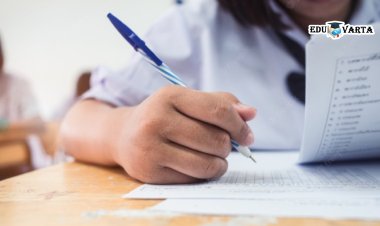
In the first method, you take a photo of your handwritten document. Upload that image to Google Drive. Right click. And click 'Open with Google Docs.' After this you will see your written material converted into digital text.
Another method is to click on 'Tini wow' website. There you have to click on the 'image' option. Then click on the 'image with text' option. After doing this you have to upload the image of your written document at that place. You will then see that the written document near you has been converted to text as it is.
In the third method, open MS WORD on your computer. And click on 'Windows Plus S'. And start reading your written document. As you read the document, it will continue to convert in to text.
With these three simple methods you can easily convert your manuscript into digital text. Especially not only college students but also secondary school students, writers, teachers, professors, anyone who works related to writing, who wants to save the written document in digital text, or send it to someone. All such people can use this method.